From the operations archive
One stock number was telling three different stories
A growing beauty and accessories seller was discussing purchases, current stock, expected demand and the possibility of regional warehousing. Read message by message, the business seemed well supplied. When the thread was reconstructed by product, some units were already reserved, some were physically sellable, and some existed only as supplier or inbound commitments. Those are not interchangeable forms of stock.
Ordering from the largest number could delay replenishment until a fast-moving SKU ran out. Ordering from the sales forecast alone could lock cash into slower variants. The lead time was also a chain: supplier confirmation, production or domestic delivery, receiving, inspection and release. A single optimistic number would make the calculator precise-looking and operationally false.
The team separated usable stock, reserved demand and confirmed inbound supply, then compared recent paid demand with the full replenishment window and a deliberate buffer. The reorder point became a trigger for review, not an automatic purchase command. Its value came from exposing assumptions: if demand, lead time, defect rate or inbound confidence changed, the decision changed visibly too.
About this story: it is an anonymised composite of client situations. It broadens markets and product families and leaves out identifying details. Read the dated field note: A quiet day — and writing out the whole story for one client.
The basic formula
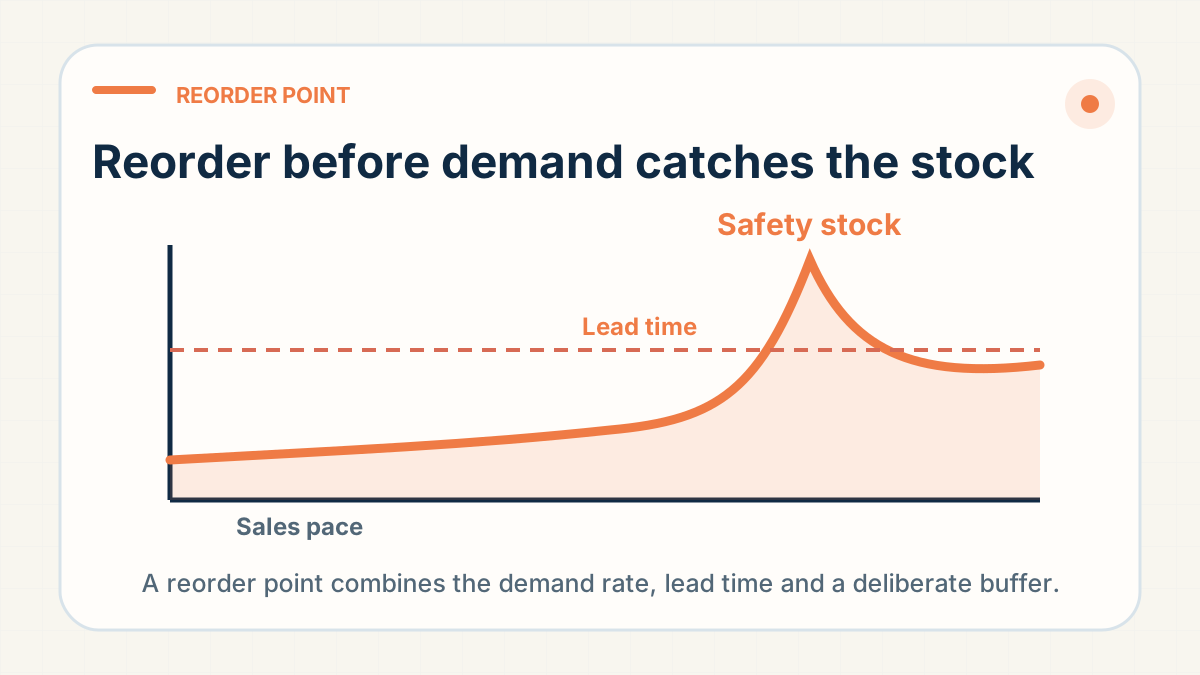
A common starting point is: reorder point = average daily unit sales × replenishment lead time in days + safety stock. Shopify uses the same structure in its reorder-point guidance. The output is the available-stock level at which a new replenishment decision should be triggered.
Example
Suppose one variant sells an average of 8 units per day. Production and movement to the fulfilment warehouse take 18 days in total, and the seller chooses 40 units of safety stock.
- Lead-time demand: 8 × 18 = 144 units.
- Safety stock: 40 units.
- Reorder point: 144 + 40 = 184 available units.
When that SKU reaches 184 genuinely available units, the planned reorder should be released. This is not a prediction that exactly 184 units will sell; it is a trigger designed to cover normal demand during replenishment plus a chosen buffer.
Use the complete lead time
For China fulfilment, replenishment may include supplier confirmation, material or production time, domestic movement, receiving, QC and release into sellable stock. Count the time until units become available, not merely the factory's production estimate.
Choose a safety-stock method that fits the evidence
- Simple buffer: a fixed number of days of average sales.
- Variability buffer: extra units based on recent demand spikes and late supplier performance.
- Event buffer: a deliberate temporary increase before a campaign or seasonal period.
New products have little sales history. Use a small staged commitment, a downside plan and frequent review instead of pretending a precise formula can remove uncertainty.
Calculate by SKU, not product family
A product may have plenty of total stock while its best-selling size or colour is almost gone. Calculate sales velocity, lead time and available units for each variant that must be picked separately. Component stock can also constrain a bundle even when the main item is abundant.
Use the right stock number
Shopify distinguishes available, committed, unavailable, incoming and on-hand stock. The reorder trigger should not treat damaged, QC-held, reserved or merely incoming units as currently available. Show incoming purchase orders separately and confirm their expected release date.
How do I see what's left of my stock in your warehouse?
Ask us in your group for a count of your stock by style, colour and size, or to check a single unit. Enter that count as on-hand stock in the calculator below. Enter units you have sold that we have not shipped yet as committed units. When you ask what is in stock, say whether you mean your stock with us or the supplier's. We answer the two separately.
Stock you have bought into our warehouse is stock we hold. Our stock FAQ says: "we track it, tell you what is left, and flag a shortfall as soon as we see one rather than letting an order sit." Tell us which stock to use for upcoming orders when you hold more than one version.
When your own supplier ships stock to us, send a packing list that matches each carton number to its SKU. We count each delivery against that list. Without it, we cannot count or shelve the goods, and we pick only after the count. Ask us for a count of packaging items you keep with us, such as bags, so you can reorder them before they run out.
Before a peak, ask us which sizes are running low and which ones you need to order early. Non-standard sizes can need the factory to buy materials in advance, so give them a longer lead time in your formula.
Review the inputs
- Weekly for fast-moving, launch or campaign SKUs.
- After a supplier, material, packaging or route change.
- When lead-time performance or demand variability changes materially.
- Before major holidays or marketing events.
Also decide the reorder quantity separately. The trigger says when to act; order quantity must balance MOQ, cash, storage, shelf life, version risk and expected demand.
Calculate the trigger from usable inventory
A reorder point is useful only when its inputs match the physical workflow and the exact SKU. Start simple, record actual lead times and sales, then improve the buffer with evidence.
Interactive worksheet
Calculate the reorder trigger for one SKU
Use one variant at a time. The tool uses only the figures you enter, runs in this page and submits nothing while you type. It separates the reorder point from the stock position you compare against it.
Decision boundary: this is a review trigger, not a purchase-quantity recommendation. MOQ, seasonality, cash, defect risk and whether incoming stock will arrive on time still need a separate decision.
Prepare this SKU brief for WhatsAppFormula and inventory-state boundary: Shopify’s reorder-point guide and Shopify’s inventory-state definitions. This is not a shipping-eligibility check; batteries, liquids, powders, magnets and other restricted goods still need route confirmation.
The rule: Set the reorder trigger by SKU from verified sales pace, production and inbound lead time, a realistic buffer and sellable stock already available. Recalculate when demand or lead time changes; one store-wide number hides the variant that will stock out first.
Have a specific fulfilment question?
Send us the product, destination and order context on WhatsApp (+86 178 4666 9989), and we'll answer for that order instead of giving a generic estimate.
Ask Questions on WhatsApp →