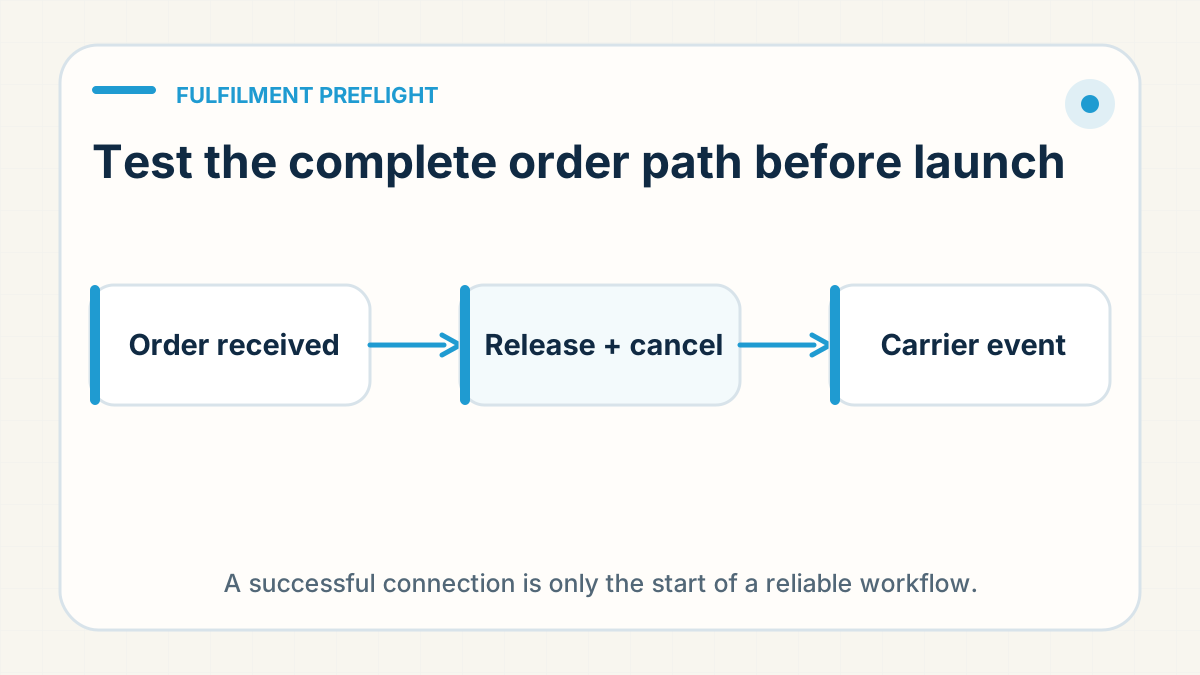
A connection is not a proven workflow
Authorising a store or confirming that order data can be viewed is only the beginning. At RyanFulfil, Dianxiaomi is one of the internal order-management tools in that chain, but a successful connection there is still only one checkpoint. A live fulfilment workflow also depends on product mapping, address visibility, release rules, carrier compatibility, tracking return, customer notifications and exception handling. Any one of those can fail even when the integration itself appears connected.
Define the exact setup being tested
Record the platform, store region, selected fulfilment mode, destination market and person responsible for the test. Platform behaviour can differ by market and configuration, so a successful demonstration in a related setup should not be treated as proof for the seller's exact workflow.
Run one controlled order end to end
- Create a clearly labelled test order using a non-sensitive test customer record.
- Confirm the correct SKU, variant, quantity and complete shipping information are visible.
- Verify the order can be held, corrected or cancelled before the agreed release cut-off.
- Release it through the same steps the team will use for a real order.
- Confirm the intended route is eligible for the product and destination.
- Return tracking through the real workflow and verify how the platform displays the carrier.
- Check which event triggers the customer-facing shipment notification.
Separate internal milestones from customer-facing fulfilment
Purchased, inbound to warehouse, received, picked, label generated, handed to carrier and first carrier event are different states. Decide which one justifies marking an order fulfilled and notifying the customer. Generating a label early may help internal preparation, but it should not imply that a parcel is moving when the physical handover has not occurred.
Test the exception path as carefully as the happy path
Use the preflight to answer what happens when an address changes, a customer cancels, the product is unavailable, a route rejects the item or tracking is not recognised. Name the cut-off, approver and fallback for each case. A process is not ready for volume if the only proven path assumes every order is perfect.
Use permissioned access
Use the platform's supported collaborator, staff-role or authorisation flow where available. Grant only the permissions needed for the work and keep a record of who has access. Shared passwords and broad account credentials make offboarding, accountability and security much harder than they need to be.
Write down every manual step
Manual handling is not automatically a problem. Unrecorded manual handling is. If addresses must be exported, tracking uploaded by the seller or a carrier selected outside the platform, document the owner, timing and proof for that step. Then include it in capacity planning instead of presenting the workflow as fully automatic.
Prove the full order loop before launch
Do not launch because the connection screen says successful. Launch after one controlled order proves that the exact setup can receive, change, release, ship, track and close an order without misleading the seller or customer.
Operating rule: Run one test order from storefront to customer-facing tracking before allowing normal volume through. The preflight passes only when product and address data arrive correctly, warehouse exceptions have owners, the parcel reaches a physical release milestone and the platform accepts the returned tracking.
Need to check your store-to-fulfilment setup?
Start with one product and destination. In the brief's “Your question or next step” field, name your platform and the step you need checked: order import, product matching, release, tracking or customer notification. Leave out passwords, customer addresses and private order records. You can also ask about setup on WhatsApp.
Prepare a setup enquiry →