The short answer
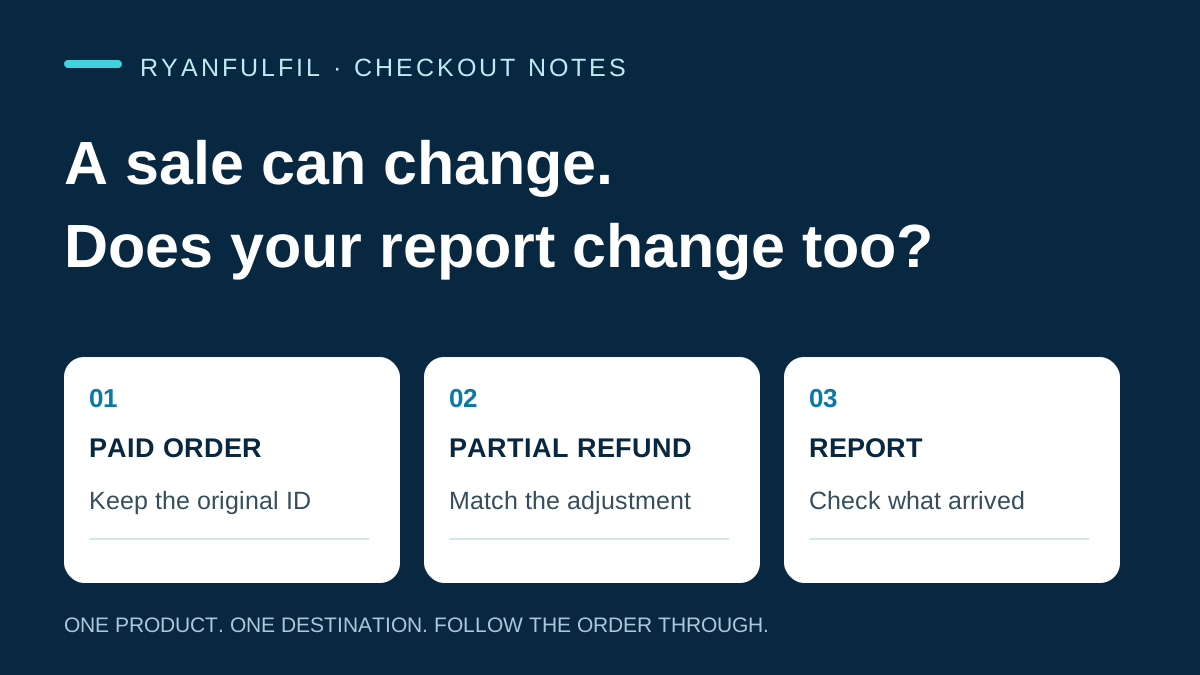
Klaviyo's native Shopify Refunded Order event covers full refunds. It does not cover part refunds. A missing event does not prove your customer kept the full purchase value. Before you judge a campaign or bundle, match Shopify refund transactions and replacement costs to the original order. Check your custom events and reports too. The native rule does not tell you how your account handles adjustments.
Picture a two-piece bundle. One piece arrives damaged. You refund part of the price and the customer keeps the other piece. This is an example, not a RyanFulfil customer case. Shopify may record the refund correctly while the event you use for the next campaign decision still shows the first purchase.
What the native integration records
Klaviyo's Shopify data reference sets out three relevant limits: the native refund metric covers full refunds; the original event is not re-synced for later adjustments; and the documented revenue view does not subtract cancelled and refunded orders in the same way as Shopify. These are native-integration definitions. They do not establish what a custom event, warehouse report or separately configured dashboard contains.
For each record, check the job it is actually doing:
- Original Placed Order: the purchase as first recorded. Do not assume a later refund rewrites it.
- Native Refunded Order: a separate full-refund event. Its absence does not rule out a partial refund.
- Shopify refund transactions: the adjustments on the original order, including amount and currency.
- Replacement or reship record: the link back to the original order and the extra physical costs.
- Custom report or event: its own definitions, joins and treatment of adjustments.
This is the detailed version of measuring the orders customers kept. The idea only helps you once you can follow it through a real order.
Reconcile one product before you change the whole system
Choose one established product, one country and a defined order window. Give the selected orders time to show the delivery and refund outcomes you want to compare. An older group and a newly dispatched group are not alike just because both were paid.
- Start with your original paid order IDs and paid values.
- Match refund transactions to the original order. Keep the amount, currency and transaction date. Keep affected items and reasons where your store records them.
- Link replacements and reships to the original order. Count their extra costs without calling them new customer purchases.
- Match your selected refund totals back to Shopify before you compare them with marketing data.
- Open the metric, segment or report you use for the decision and check which adjustments it includes.
Keep matched orders, matched refund transactions and matched refund amounts as separate counts. A report can match most orders and still miss one large adjustment. Keep unresolved records visible. A missing cost is unknown, not zero. Do not subtract a partial refund twice because a native record and a custom adjustment describe the same money. Write down which source owns each amount and retain the original currency.
Use the order-profit calculator to map a single order's direct costs, then use this reconciliation to add the later costs that actually occurred.
More orders can still leave you with less
Here is an invented example, not a Klaviyo result or a RyanFulfil benchmark. Two equal groups of 1,000 assigned recipients receive different campaigns. Campaign A produces 50 orders and USD1,050 after the direct costs you defined. Campaign B produces 60 orders and USD882 after the same costs, including refunds and fulfilment exceptions.
That is 20% more orders and 16% less profit after those direct costs. For your comparison, name the costs and review date, and retain everyone assigned to each group. Looking only at buyers hides recipients who did not order. A different product version, route or discount can also explain the result, so do not automatically blame the campaign.
The bundle-economics guide explains why a larger checkout value needs a closer look at the items and costs underneath it.
Know what a send-time test can answer
Klaviyo's Personalized Send Time documentation describes a randomly selected timing control: both groups receive the campaign on different schedules. It uses standard Placed Order metrics and does not support custom or combined placed-order metrics. That can answer a timing question. It does not show that sending beats sending nothing, or that your orders remain profitable after refunds and reships.
What could change the diagnosis
Your custom report may already capture every relevant adjustment. If the selected Shopify refunds and fulfilment costs match the report you use for decisions, the suspected gap is not present in that sample. Keep the working setup and look for a different cause. A partial refund does not automatically make an order unprofitable or a customer undesirable. Your job is to account for the outcome, not label the buyer.
Questions to check
Does Klaviyo receive partial Shopify refunds as Refunded Order events?
The documented native event receives full refunds, not partial refunds. Inspect your custom adjustment events separately.
Does a refund update the original Placed Order metric?
Klaviyo says original metrics are not re-synced after the first event. Check the separate refund event and the calculation in your report rather than assuming the original value changed.
Can RyanFulfil reconcile your marketing account?
This guide does not offer a Klaviyo setup or account-audit service. A fulfilment partner can provide agreed sourcing, variant, packing and tracking records to help you match the physical order. You keep responsibility for marketing configuration and campaign decisions.
What this guide can and cannot show
The linked platform documentation is dated 7 September 2026. This guide does not assess an individual merchant account, customer export or campaign experiment. Recheck after a change to event definitions, your integration or refund process. The checklist and example are editorial methods, not platform requirements.
If the adjustment concerns your product, packing or route, review RyanFulfil's sourcing and fulfilment services. Agree which records are available before you depend on them.
Use the one-product checklist
Keep the payment check, email-to-market test and later refund review on one sheet. Open the free printable checkout and refund checklist. Fill it in for your own store, and repeat it after any relevant store or integration change.
Need a product checked before you spend on ads?
Send us the product link and destination on WhatsApp (+86 178 4666 9989). We'll check sourcing, packing and shipping with you before you commit.
Get Sourcing Quote on WhatsApp →