The short answer
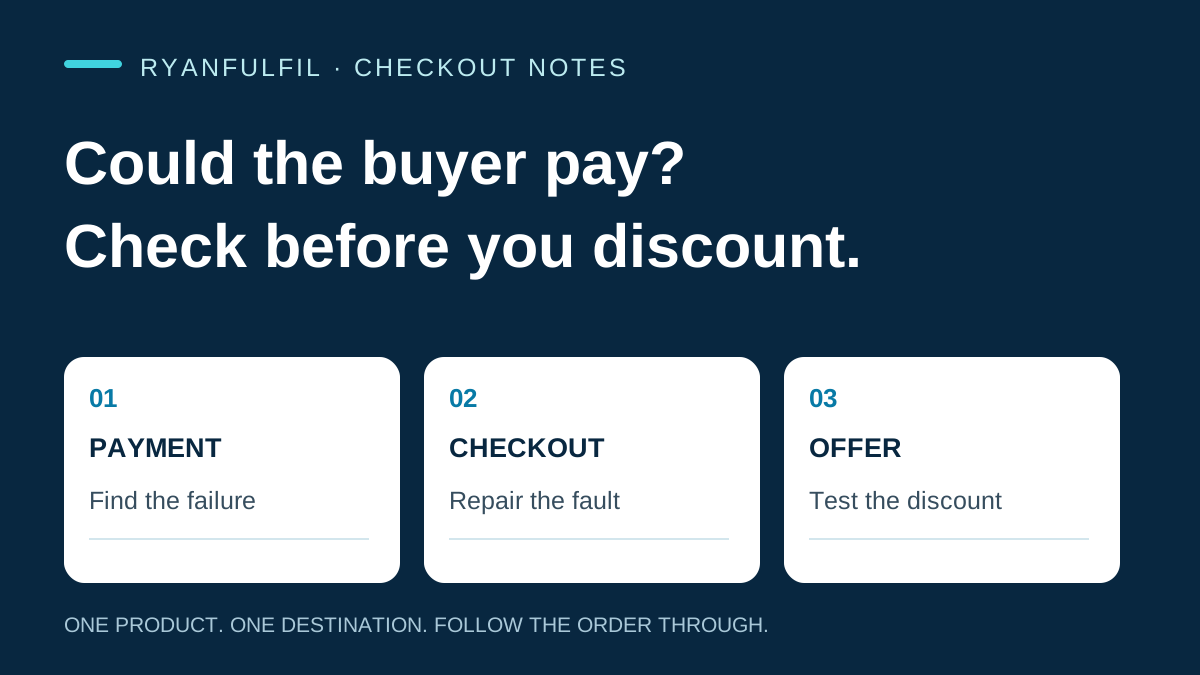
A customer who leaves checkout has not necessarily rejected your price. First check whether shipping, payment setup, a card decline, authentication or a pending local payment stopped the transaction. Fix a confirmed checkout fault for every buyer before you test a discount. Then ask whether the offer creates extra orders, rather than only cutting the price for people who would have returned anyway.
A buyer may have chosen your product, entered contact details and tried to pay. The next message may offer 10% off. That offer can help, but it can also be an expensive answer to the wrong problem. An incomplete checkout says the recorded flow did not finish. It does not say why.
Start with the checkout evidence
Shopify's current legacy abandoned-checkout guidance says each payment attempt is noted in the checkout timeline. Expand the payment event and read its message before you decide what to send or change. Shopify lists technical processing failures, processor declines, invalid card details, failed 3-D Secure authentication, inventory issues and high-risk blocks as examples. The list is not complete, so a vague or missing event is still unknown. It is not proof that price was the objection.
That same legacy guidance says its recovery email is not sent in some cases, including a payment-processing error or an address you cannot ship to. Do not apply that rule to a Klaviyo flow or a newer Shopify automation without checking the automation and account that actually sent, or did not send, the message.
Review unique checkouts in a defined window. Repeated attempts are not different people. Keep your first action tied to what the record shows:
- No shipping rate or unsupported destination: repair the rate, market or route setup. A discount cannot make payment possible.
- Technical error or processor decline: review the event and the provider or setup path. Do not call it price resistance.
- Expected method is absent: reproduce the exact country, currency and customer path. A method is not available everywhere.
- Payment pending: wait for, and check, the payment status before you release the order.
- No diagnosed fault: keep the reason unknown and test your commercial offer carefully.
Fix a broken path before you test persuasion
If your review confirms a setup fault, repair it for everyone. Leaving a known broken checkout in place for a promotion gives buyers a poor experience and gives you a misleading test. Security-related outcomes need platform and provider review. Do not disable authentication or try to push people around fraud controls.
Some methods finish after the buyer returns to checkout. Shopify's iDEAL | Wero guidance says an order can be created as Payment pending while the local payment is still being finalized. Shopify tells merchants, apps and sales channels to check status before automatically fulfilling unpaid orders. An order arriving in your fulfilment integration is therefore not, by itself, a dispatch instruction.
Set your release condition before an order reaches sourcing, personalization, purchasing or dispatch. It should be a tested rule in your systems, not someone trying to interpret ordinary orders one by one.
Measure the discount you are considering
Once your payment path works, a discount becomes an offer you can test. Its cost includes customers who would have completed checkout without it. For illustration only: on a USD60 order, a 10% offer costs USD6. If 40 people who would have bought anyway receive it, that is USD240 before payment fees, messaging or later customer-loss costs.
A recovery-flow revenue report cannot show whether the discount created those orders. Shopify says a legacy checkout can be marked recovered when a buyer completes through the recovery link or independently. That status is useful for your operations. It is not a randomised estimate of extra sales.
Where lawful and practical, compare eligible groups who receive a helpful no-discount message and the proposed discount. Decide group assignment before you send. Count everyone assigned, not only opens, clicks or buyers, and compare orders at the same age. A recent international order with no refund may simply be too young to show later costs.
For each group, calculate what remains after product, packing, shipping, payment, messaging, replacements, refunds, support and customer-loss costs. This is profit after the direct costs you chose to include. It stops a higher conversion number from hiding a worse order.
If acquisition cost started this review, first identify which part of Meta CAC changed. If the buyer may be landing in the wrong country setup, use the Klaviyo and Shopify Markets checkout checklist.
Keep the payment recovery tied to the physical promise
Payment recovery creates orders. It does not make your product version, bundle, pack, route or delivery promise easier to fulfil. Before you restore a transaction, confirm that the buyer can receive what your checkout showed.
RyanFulfil can help with China-side sourcing, variant availability, packing and route checks. Its fulfilment services describe those activities. You remain responsible for payment eligibility, checkout configuration, marketing decisions and the promise made to your customer. Ask your provider or platform for account-specific guidance when you need it.
Questions to check
Why did Shopify not send an abandoned-checkout email?
In the legacy experience, Shopify excludes cases including payment-processing errors, unsupported shipping addresses, unavailable items and high-risk blocks. Review the timeline and recovery status, then check which automation your store uses. Shopify explains the exclusions here.
Does a recovered checkout prove the email caused the sale?
No. A buyer can complete independently after the email. Compare eligible assigned groups if you need to estimate the offer's added effect. See Shopify's definition.
Can a payment-pending order be fulfilled automatically?
Payment pending does not establish completed payment. Test the payment-status check used by your own integration. Shopify's payment-status caution is here.
What this guide can and cannot show
The linked platform documentation is dated 7 September 2026. This guide does not assess your live store. Shopify's legacy page does not establish how every newer automation, Klaviyo flow or third-party gateway is set up. Payment events can be unclear. If your checked journeys show no payment or shipping fault, your price or product may still be the issue. Recheck after a change to checkout, market, payment method or fulfilment integration.
Use the one-product checklist
Keep the payment check, email-to-market test and later refund review on one sheet. Open the free printable checkout and refund checklist. Fill it in for your own store, and repeat it after any relevant store or integration change.
Need a product checked before you spend on ads?
Send us the product link and destination on WhatsApp (+86 178 4666 9989). We'll check sourcing, packing and shipping with you before you commit.
Get Sourcing Quote on WhatsApp →