Your parcel reaches the carrier a median of 1.6 days after payment: that is across 197,000+ paid orders in our order-management records for orders paid 1 May – 3 October 2026 (how we count it). The shipping table lists RyanFulfil's lane ranges by destination.
On RyanFulfil's lanes, Express typically takes 2–9 working days from dispatch on major routes: United States 5–8, United Kingdom 3–5, Germany 4–6, Australia 4–7, Hong Kong 2–5. Standard/Economy typically takes 5–12: United States 6–12, United Kingdom 5–8, Germany 6–10. The carrier on your order depends on the lane we quote, and the quote states the route and ETA before you commit.
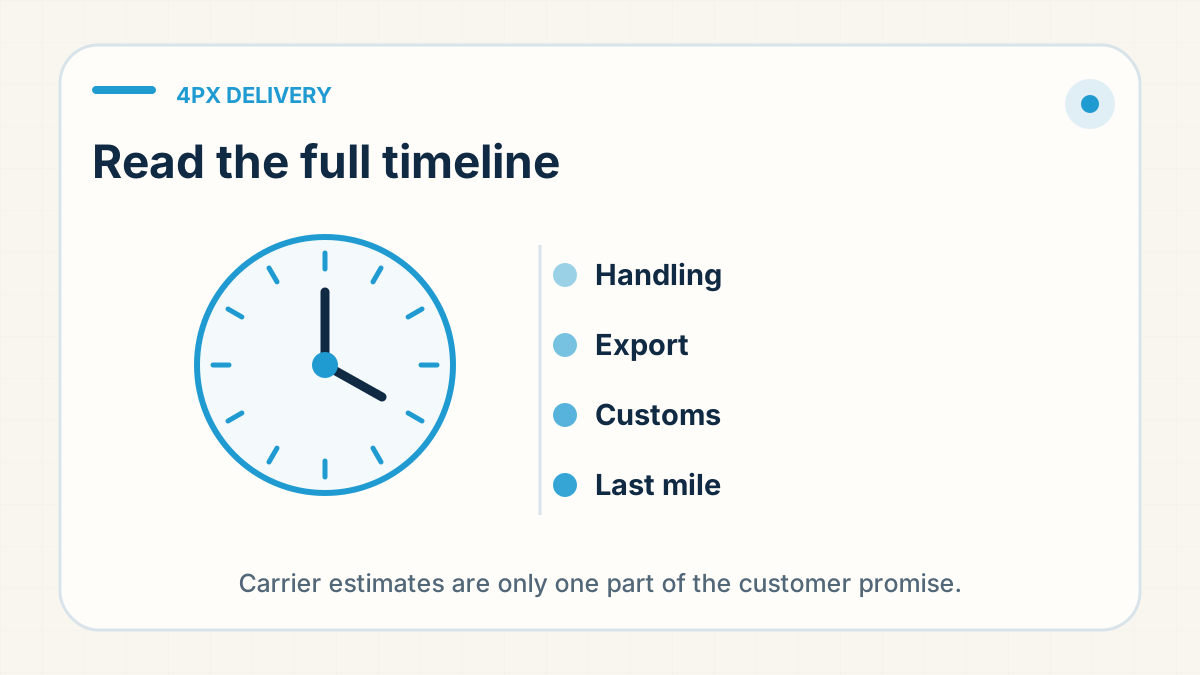
A delivery estimate has several moving parts: supplier preparation, quality checks, packing, carrier acceptance, export, customs and the local delivery network. A 4PX time belongs to one service and one destination, so check it again before you use it for a different order.
What should you ask before you quote a 4PX time?
Ask for the specific service name, destination and the point at which the quoted transit window begins. Check whether the parcel is already ready to dispatch and whether the item has any route restrictions. A current route quote is more useful than a generic delivery-time article.
What delivery range should you promise on 4PX?
Use a delivery range that includes the preparation work you control as well as the carrier transit you do not. Review the range when the destination, product, season, customs conditions or service changes. Do not describe an international parcel service as guaranteed unless the written service purchased actually provides that guarantee.
What does quiet 4PX tracking mean?
Read the last meaningful event, the handoff stage and the route context before deciding that a parcel is late. A quiet scan can justify a route check; it does not by itself prove loss or create an automatic refund or reshipment obligation.
When does the 4PX clock start?
A seller may compare a 4PX timing range with customer orders and conclude that the carrier is consistently late. Often the missing days sit elsewhere: a product was purchased after the sale, a quality question held release, the label existed before physical acceptance, or the local carrier received the parcel later than the seller assumed.
This does not excuse a late route. It changes what can be fixed. If the storefront counts from checkout and the carrier measures from acceptance, comparing the two numbers without the intervening milestones makes supplier preparation, warehouse handling and carrier transit indistinguishable.
Which milestones should you record for each order?
For representative orders, record checkout, stock confirmation, release approval, packing completion, first physical carrier scan, export, destination handoff and delivery. Compare like with like: the same service, destination group, product eligibility and operating period. A small set of clean milestone records is more useful than a large spreadsheet built from label dates alone.
Use the result to set two controls. The storefront range should cover the journey the buyer experiences. The internal alert should identify when a milestone is late enough that the responsible party can still act—for example, a parcel prepared but not accepted, or handed to the local network without a useful update.
What should you say when an order misses the range?
When one order misses the range, state which milestone moved and what is being checked. When a lane repeatedly misses, update the promise and review the service rather than treating every case as an exception. When release time is the problem, changing carriers will not solve it.
The purpose of a delivery estimate is not to defend a carrier name. It is to help the seller make a promise, notice when the operation leaves that promise, and assign the next action to the party who can actually change the outcome.
Turn a carrier estimate into a customer promise
A delivery estimate becomes useful only after you add the parts of the journey that happen before the carrier's headline transit time.
- Confirm whether the quoted window starts at order placement, dispatch, export, or local handoff.
- Add sourcing, quality-check and packing time unless the item is already pre-stocked.
- Use a range in your store, not a single guaranteed day, and allow a buffer for customs and last-mile variation.
- Review the promise again before peak periods or when the destination, product or route changes.
Practical takeaway: the best delivery promise is the one you can explain and still meet when a normal handoff takes longer than expected.
Waiting for a parcel you bought? Contact the store you ordered from: it holds your order details.
Need one order or route checked?
Worried about an order's tracking? Send us the order number on WhatsApp (wa.link/dropship) and we'll check what's going on.
Check Order on WhatsApp →