Field note
Why this matters in practice
Integration questions usually arrive when a seller has outgrown copying orders manually or wants tracking to return to the store automatically. That is a sensible point to automate, but it also exposes every unclear rule in the workflow: which product version is valid, when an order may be released, and who can approve a cancellation or address change.
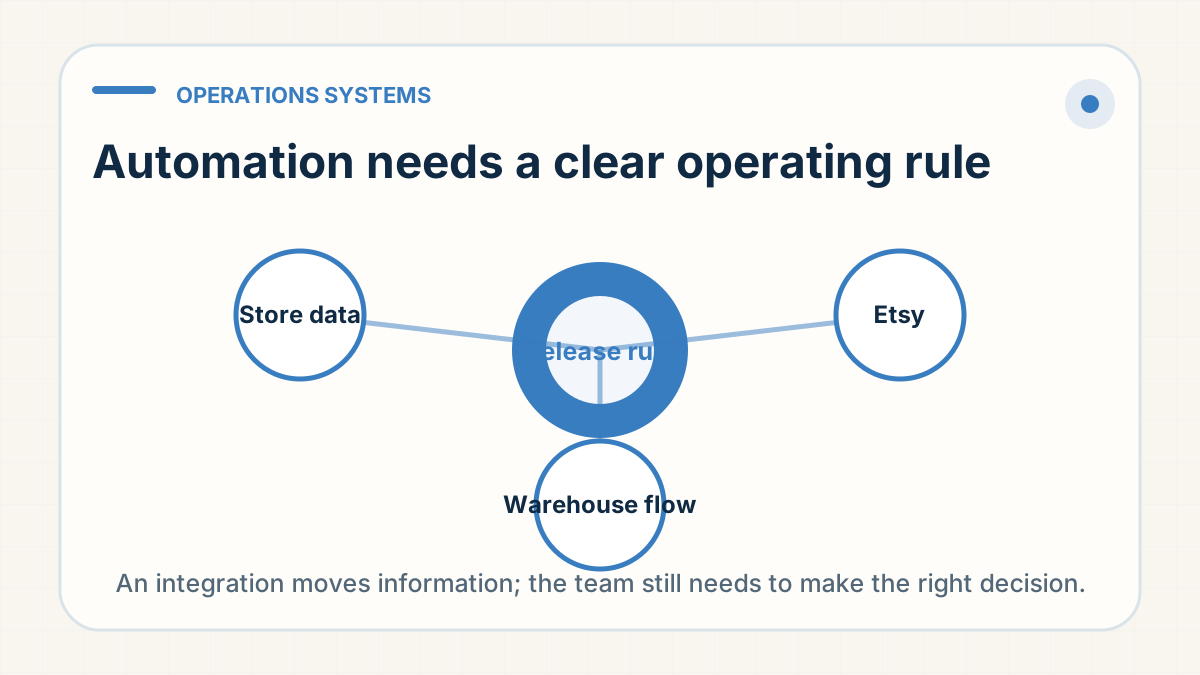
Automation moves information; it does not make the decision
A store or ERP integration can help pass order details, product information and fulfilment updates between systems. At RyanFulfil, Dianxiaomi is one of the internal order-management tools used in that flow. Naming the tool gives useful context, but the important questions are still what data moves, what remains manual and who owns each exception. It does not decide which variant is approved, whether a product has passed a required check, how it should be packed, or what delivery promise is safe for a particular route.
Set the operating rules before connecting systems
Before automation is expected to help, agree the product facts, release rule, packing instruction, exception path and customer-facing delivery window. If any of those are unclear, an integration can simply move an unclear instruction faster. The same applies to cancellations, address changes and substitutions: decide who can approve them and what the cut-off is before an order reaches the warehouse workflow.
Use integration as part of a handover, not a substitute for one
The best setup combines a clean data connection with a short readable brief that both the seller and operations team can use. Start with the smallest workflow that is reliable, then add automation only after the underlying process has held up under real orders and exceptions.