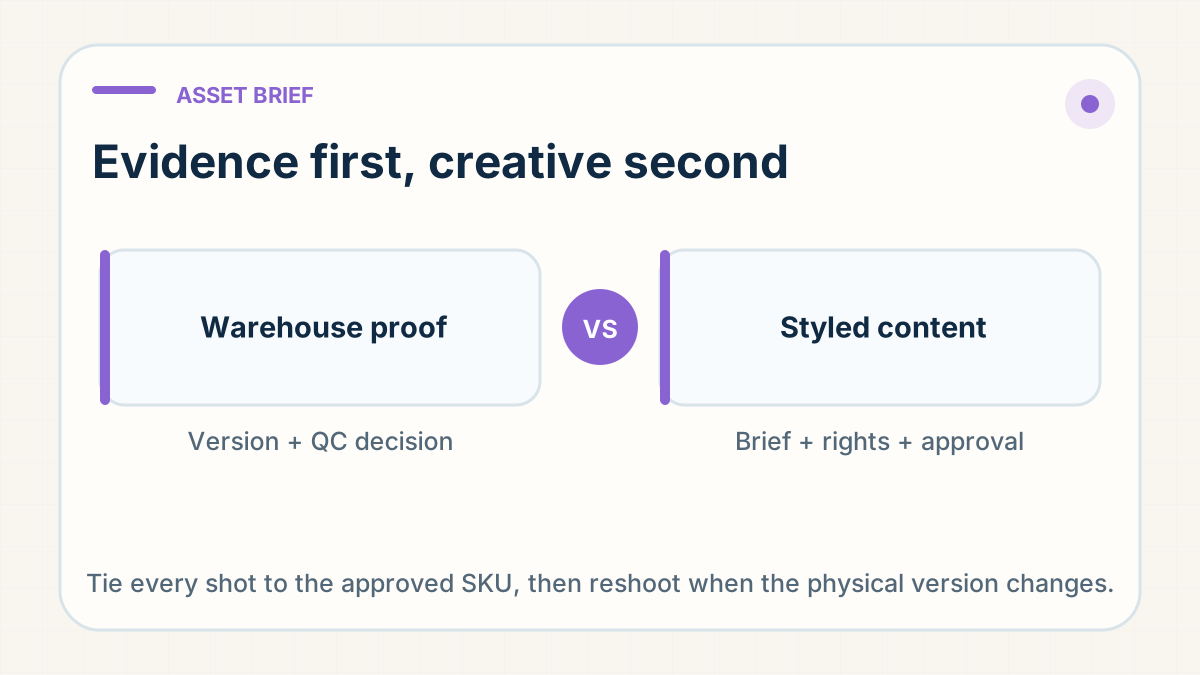
Warehouse proof and studio work answer different questions
A request for product photos can mean two very different jobs. The first is operational evidence: show the exact unit, variant, condition, packaging or function so somebody can approve a sourcing, receiving or dispatch decision. The second is creative production: make polished assets for a product page, advertisement or campaign. Mixing the two creates predictable disappointment. A seller expects launch-ready images while the warehouse thinks it has supplied proof; or a beautiful image hides the detail that QC was meant to verify.
Quick warehouse proof is usually practical rather than polished. It may be a current phone photo at receiving, a label in frame, a ruler beside a product, an interior view or a short continuous clip of one function. Its value is traceability to the physical unit and the decision being made. It still needs a clear request, and availability and timing should be confirmed rather than assumed for every product or order.
Professional or styled product content is a separate deliverable. It can require a clean sample, a photographer or studio provider, lighting, props, a set, models, editing and several approval rounds. Treat it as a separately quoted job, subject to provider availability, timing, product suitability and an approved brief. It is not included by default in sourcing, QC or fulfilment, and it should never be promised before the scope and production option are confirmed.
Approve the physical version before requesting the shot
A public listing, supplier photograph or reference video starts the search; it does not identify the unit that will be photographed. Before requesting assets, tie the request to one approved physical version: warehouse SKU, supplier and model, colour or size variant, material or finish, included components, packaging version and approval date. If the request depends on a feature, record the feature in observable language.
This is the boundary between this guide and listing accuracy. Matching the product page to what ships remains the seller's product-control job. The content brief begins after the intended version is identified and tells the person holding the product exactly what to capture. Do not spend on a styled shoot while the supplier, construction, finish or included parts are still provisional.
- Use one version record as the source for the sourcing quote, sample approval, shot request and warehouse SKU.
- State which variant is the hero and which variants need their own images rather than relying on a colour edit.
- Mark any property still supplier-claimed or unverified so the shoot does not turn it into an implied promise.
Build a shot matrix
A useful shot list is a matrix, not the instruction "take some photos". Each row names the subject, exact variant, angle or action, purpose, required evidence in frame, orientation, file type and approval owner. Start with the decisions a buyer or operator must be able to make, then add creative treatments around the verified facts.
- Variant identity: the complete unit, colour or size marker, model label and any difference a picker must recognise.
- Angles: front, back, both sides, top and underside where shape, controls, ports or construction matter.
- Interior and construction: lining, seams, closures, compartments, connectors, moving parts or material layers that the exterior cannot prove.
- Scale and dimensions: ruler, calliper, scale reference or an in-use comparison when fit, capacity or packed size affects the promise.
- Packaging and included parts: retail box, protective packing, labels, instructions, accessories and the complete customer-ready set.
- Function: one uninterrupted action that shows the verified feature, setup and result without concealing a limitation.
Not every product needs every row. A simple accessory may need a compact identity and packaging set. A product sold on fit, texture, mechanism or assembly needs more. The matrix prevents ten attractive images of the same angle while the decisive interior, scale or included component remains invisible.
Evidence and creative are different deliverables
Evidence should make a fact easy to inspect. Preserve the label, measurement, product edges, sequence and normal condition. Cropping or exposure correction may improve legibility, but do not retouch away marks, splice a functional sequence or add an accessory that is not included. Keep the original file when the asset supports an approval or claim.
Creative work controls background, lighting, composition, styling, format and pacing for a channel. It can make a verified feature easier to understand, but it cannot create a new product fact. A styled scene is not proof of dimensions; an edited colour is not approval of a physical variant; a dramatic demonstration is not evidence that every unit will reproduce the result.
Write the asset type on every row of the matrix: evidence, catalogue, product-page detail, instructional, advertising creative or social cut-down. One file may serve more than one purpose only when it meets the stricter truth and rights requirements of both. This keeps the guide separate from a short-form product test, which asks whether a claim and live order path deserve scale. Here the job is to commission and control the files themselves.
Name files by SKU and variant
A camera roll called IMG_001 through IMG_048 loses its meaning as soon as it leaves the person who took it. Use a filename that travels with the asset: warehouse SKU, variant, shot purpose, version date and sequence. A practical pattern is SKU-VARIANT-SHOT-VYYYYMMDD-01. Keep client names, customer details and order identifiers out of public-facing filenames.
- Keep a manifest with filename, physical version, creator or source, capture date, asset type, approval status and allowed uses.
- Store original evidence separately from selected and edited creative so an approval can be audited later.
- Use explicit states such as requested, received, rejected, approved and retired; do not treat presence in a shared folder as approval.
- Export channel-specific sizes from an approved master instead of creating an untraceable new master for every crop.
Confirm source and usage rights
Receiving a supplier image does not automatically give a store permission to publish, edit or advertise with it. Ask who created the file, whether the supplier controls the rights, what permission is granted, and whether any model, location, music, trademark, artwork or third-party product appears. Keep the written answer with the asset manifest.
For separately commissioned work, the quote should say who owns the originals and edited outputs, which channels, countries and duration are covered, whether crops and translations are allowed, how models or music are licensed, and whether raw files are included. Do not copy a competitor's listing, remove a watermark or assume that a marketplace image is free because it is public. RyanFulfil also does not provide another client's product research or creative as a shortcut.
Rights are a separate approval from product truth. A photograph can accurately show the item and still be unusable for advertising. It can also be fully licensed and show the wrong version. The release record needs both answers.
Version changes trigger a new approval
A supplier change, replacement factory, new batch construction, revised material, finish, control layout, packaging or included component can make an approved asset stale. Record the change against the version and decide which shots must be repeated before the new stock is released or the listing remains live.
A small invisible change may need only fresh QC evidence. A visible or claim-bearing change normally needs the relevant product-page and creative assets reshot. If the silhouette, colour, packaging or demonstrated function changes, assume the old hero asset is retired until somebody explicitly approves its continued use. Archive it with a retired state rather than deleting the audit trail or leaving it available for accidental reuse.
Make the reshoot rule part of supplier change control: identify the changed attribute, quarantine old assets from active publishing folders, capture the minimum matrix rows that prove the new version, obtain approval, then update the listing and warehouse reference together. The asset library should never quietly preserve a promise that the physical product no longer keeps.
A copy-ready brief
- Decision and tier: state whether you need warehouse proof, QC evidence or separately scoped professional or styled content, and what decision or channel it serves.
- Approved product: warehouse SKU, supplier or model, exact variant, material or finish, included parts, packaging version and approval reference.
- Shot matrix: required variants, angles, interior or construction, scale, packaging, included components and functional sequence.
- Truth boundary: claims or details each shot may show, limitations that must remain visible, and anything still unverified.
- Output: orientation, aspect ratios, file types, resolution, raw-file requirement, filename convention and delivery folder.
- Rights: creator or source, ownership, permitted channels, markets, duration, editing rights, model or music releases and prohibited third-party material.
- Approval and change rule: who approves, number of revision rounds, rejection or reshoot process, and which product changes retire the assets.
Tie every shot to an exact SKU and purpose
Ask first whether the image is evidence or creative. Tie either request to one approved physical version, build a shot matrix around decisions instead of aesthetics, name every file by SKU and variant, and record both usage rights and approval state. If the supplier or version changes, reopen the relevant shots before the old promise reaches another customer.
That process does not guarantee a studio, a perfect campaign or a product that sells. It does give the warehouse, creator and seller one brief they can execute and audit - and it stops a quick proof photo, a polished creative asset and an approved product record from being mistaken for one another.
Need a product checked before you spend on ads?
Send us the product link and destination on WhatsApp (+86 178 4666 9989). We'll check sourcing, packing and shipping with you before you commit.
Get Sourcing Quote on WhatsApp →