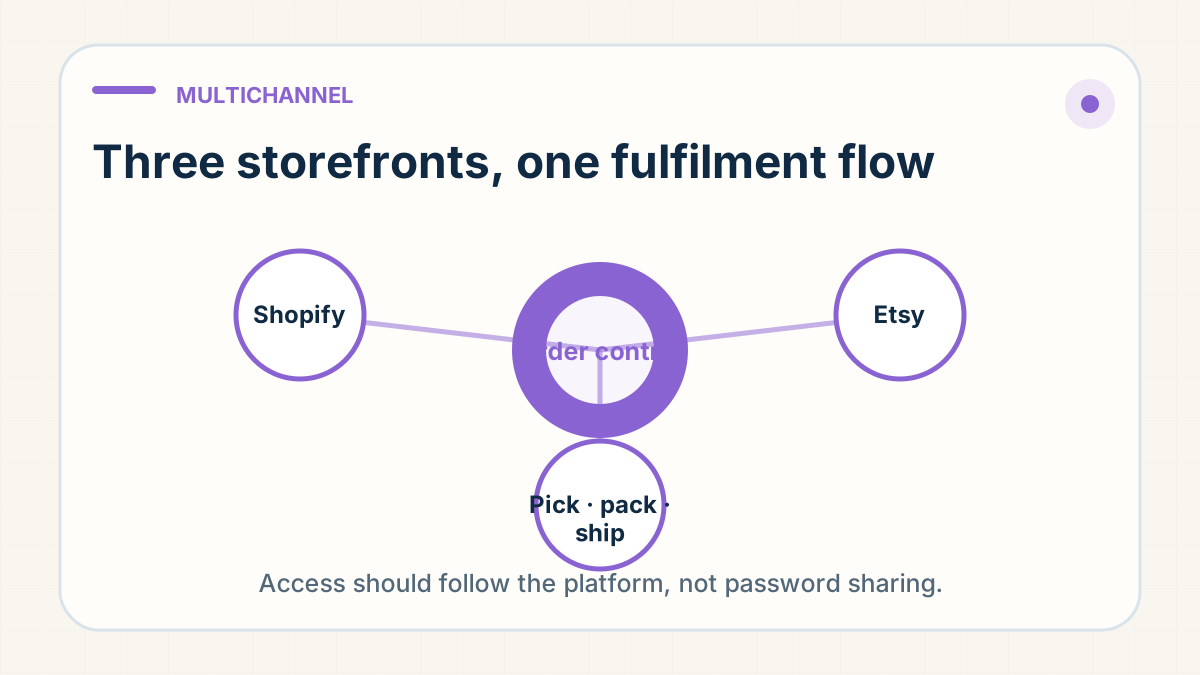
A seller can run more than one storefront, but the order flow should be designed separately for each platform. Available integrations, tracking formats, fulfilment permissions and seller-policy requirements can differ by country, account type and marketplace programme.
Confirm the supported connection for each store
For each platform, check the current official documentation and the account's available integrations. Some order flows can be connected through approved apps or APIs; others may require a controlled file export or another supported process. Do not assume that a workflow used on one marketplace is permitted or available on another.
Use minimum necessary access
Use approved permissions, collaborator accounts or scoped application access where a platform supports them. Do not share a primary store password with a fulfilment partner. Record what data is shared, who can release orders, where tracking is returned and how exceptions are handled.
Test the real flow before scaling
Place controlled test orders and check SKU matching, address fields, holds, cancellations, inventory updates, dispatch status and tracking acceptance. A connection can move data quickly while still passing along an incorrect product, address or release instruction.
Keep platform compliance with the seller
A fulfilment partner can help explain packing and tracking operations, but the seller should verify listing, registration, shipping-origin and marketplace-policy requirements with the platform's current official guidance.
One catalogue can create three different operating contracts
A multichannel seller may offer the same broad product family on Shopify, Etsy and TikTok Shop, yet each order reaches fulfilment with different platform rules, fields and customer expectations. One channel may support a direct integration, another a controlled export, and another stricter tracking or dispatch requirements. Treating them as one generic feed hides where a failure began.
The growth tension is real. Centralising everything promises speed and fewer manual steps. But copying one channel's permissions, origin assumptions or status logic into another can create policy risk, duplicate orders, rejected tracking or inventory that appears available twice.
Define the contract for each channel
For every storefront, document how an order becomes eligible for release, which identifier maps to the warehouse SKU, what address and tax fields arrive, how cancellations and holds are received, which tracking format the platform accepts, and who handles an exception. Keep the seller responsible for platform policy and listing accuracy even when a fulfilment partner moves the operational data.
Use approved collaborator, staff or application access with only the permissions required. A shared primary password may feel like the quickest bridge between systems, but it removes clean attribution and makes access harder to revoke when people or partners change.
Test failure paths, not only a happy order
- Place a normal test order and verify the correct product, address, status and tracking return.
- Test a held or unpaid order so it cannot release accidentally.
- Test a cancellation before and after the warehouse cut-off.
- Test a SKU or address mismatch and confirm that it stops with a visible owner.
- Reconcile stock and dispatch totals by channel before expanding volume.
A solid multichannel flow is not one where every order is automatic. It is one where routine orders move consistently and exceptions stop in the right place without exposing the seller's primary account or leaving the warehouse to guess.
Give each channel a reconciliation view: orders received, held, released, dispatched and rejected by the platform. When the totals disagree, pause the affected path rather than manually forcing orders through. That containment prevents one mapping or permissions problem from becoming a catalogue-wide fulfilment error.
Demand check · public sourcing communities
One request in twelve asked for store integration
In Q3 2026, 58 of 679 distinct supplier requests from public dropshipping sourcing communities asked for store integration: Shopify or WooCommerce sync, an ERP or API connection, automatic order processing, tracking upload or CSV order files. Shopify was the platform named most often, in 68 requests.
Sync alone closes nothing. Across the same quarter, 94 requests asked for quality checks before dispatch and 82 set a hard delivery cap. An integration moves order and tracking data faithfully. It does not source the product, inspect it, or choose a route that keeps the promise on your product page.
Judge a fulfilment partner on the channel contracts and failure-path tests on this page — a stock-out, a wrong address, a lost parcel — not on the sync demo.
Where these numbers come from: we counted 679 distinct supplier-request posts in public dropshipping sourcing communities between 7 July and 30 September 2026 (805 collected before reposts and non-requests were excluded). We classified each post twice, independently, against fixed definitions, and a further reading settled any disagreement, so the counts understate unclear wording rather than inflate it. This page quotes, links and identifies no post and reproduces no contact details. Private client conversations are excluded. See the full breakdown in the Q3 2026 demand analysis.
The rule: Define a separate order-and-tracking workflow for each platform using the access method and data format it supports. Reconcile exceptions in one operating record, but do not assume an integration or permission available on one storefront exists on another.