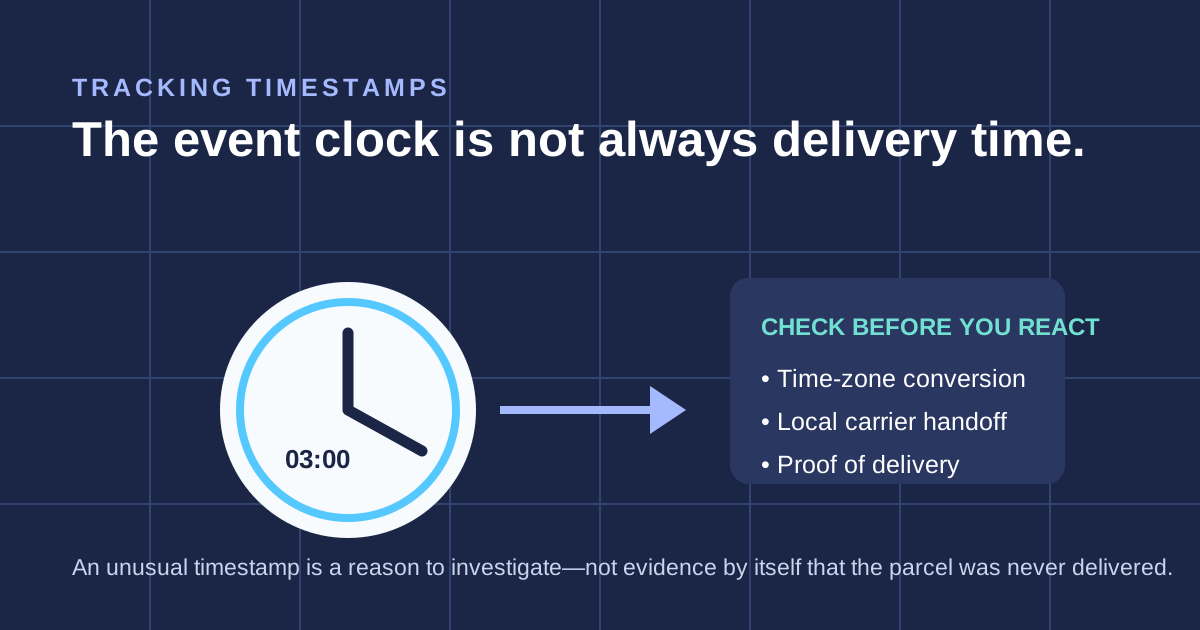
A customer messages you: their tracking shows the parcel delivered at 3 in the morning, or on a Sunday, or on a public holiday. It feels like proof something's wrong, maybe even proof the carrier is lying. The cause needs checking. Compare the destination-carrier event, timezone and available delivery evidence before explaining the discrepancy.
What's actually happening behind the scan
Cross-border carriers typically hand a parcel to a local last-mile partner for the final delivery leg, a domestic postal service or courier in the destination country. The international carrier's tracking system doesn't watch the parcel directly at that point, it receives a status update from the local carrier's system and displays it. If that handoff, sync, or batch update happens at an odd hour, the displayed "delivered" timestamp can reflect when the data arrived, not necessarily the exact moment the parcel physically reached the door.
This is a real, documented pattern, not a one-off glitch. Odd-hour delivery timestamps, weekend and holiday delivery scans, "delivered" showing before a parcel's other tracking events even makes physical sense, these can reflect different causes. A system handoff or time display may explain a discrepancy, but the actual delivery event still needs verification.
What this means, and what it doesn't
It doesn't mean the carrier fabricated the scan out of nowhere. It also doesn't mean you should just tell an upset customer "the system's confusing, ignore it," because from where they're standing, their parcel genuinely isn't there. What it means is that the timestamp on a "delivered" scan is sometimes a data event, not a doorstep event, and that gap is where confusion and disputes both start.
What to actually do when this happens
1. Don't argue with the customer about the timestamp being technically accurate, that's not the part they care about. 2. Check whether the parcel has genuinely arrived, ask the customer directly rather than assuming the scan is correct or incorrect. 3. If it hasn't arrived, escalate as a real delivery exception, not a "the tracking's wrong, wait it out" situation. 4. Keep a record of the scan discrepancy, it's useful if you need to file a claim or dispute later.
Why this matters more than it seems
A customer who sees a delivery timestamp that obviously doesn't add up loses trust fast, and if you brush it off as a technical curiosity, that trust doesn't come back easily. Taking the concern seriously, checking what actually happened, and being straight about the explanation is what turns a confusing tracking event into a resolved question instead of an escalating complaint.
If you're seeing a pattern of odd delivery timestamps on a specific route, tell us. We track this kind of thing across our shipments and can usually tell you quickly whether it's a known quirk on that route or something that needs real investigation.
The rule: Treat an odd delivered timestamp as a signal to verify, not immediate proof of either receipt or loss. Check timezone, destination-carrier event, proof of delivery and recipient or safe-location information before choosing a trace, replacement or refund.
Waiting for a parcel you bought? Contact the store you ordered from: it holds your order details.
Need one order or route checked?
Worried about an order's tracking? Send us the order number on WhatsApp (wa.link/dropship) and we'll check what's going on.
Check Order on WhatsApp →