Field note
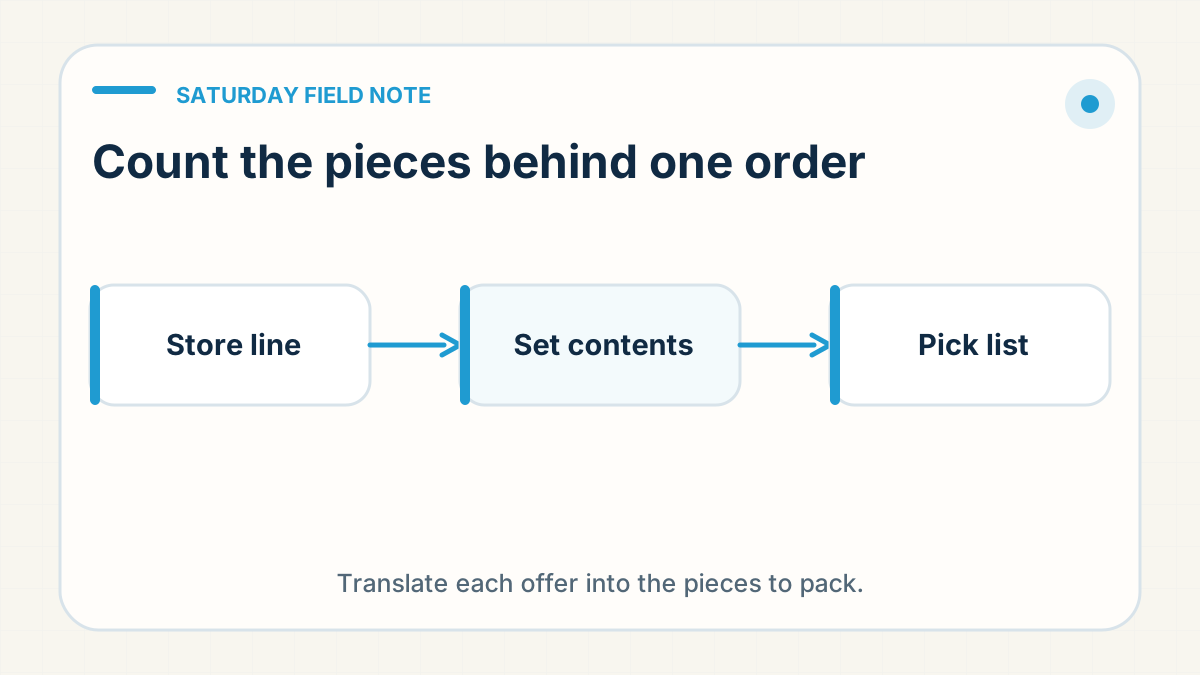
A quantity of one on a store order does not always mean one physical piece. One seller explained that a standard bundle inclusion did not appear as a separate order line. Another clarified that one ordered set meant a pair of items. The bundle packing guide covers the full bill of materials; the next check is how the store line becomes a pick list.
Translate the customer offer
Start with what your customer expects to receive. Write the sellable offer in plain language, then list every physical component beside it. A pair contains two pieces even when the store displays one set. An included accessory can belong in the parcel even when the order screen does not show a separate line for it.
Keep the store quantity and the packing quantity in separate columns. Give each component a name that the warehouse can match to its stock. If a listing lets the customer choose an extra item, show that choice separately from the item included in the base offer.
Ask for the pick list back
A written instruction still needs an example. Ask the team to return the physical pick list for a single set, then compare it with the offer on your product page. The reply should name the components and how many pieces of each belong in the parcel.
Run the same check for a larger quantity and for an order with an optional add-on. Do not assume that "per set" and "per item" mean the same thing to every system or supplier. If the answer is ambiguous, settle the unit before asking the team to fulfil that configuration.
Keep the order and stock language aligned
The warehouse needs a way to distinguish the base inclusion from an optional extra. If both use the same component, the pick list should still show why each piece belongs in the parcel. That makes a missing or repeated selection easier to spot before packing.
When you change the offer, update the product description and the warehouse instruction together. Tell the team which version applies to new orders. The order line, the current packing instruction and the available stock should describe the same set.
Get the counts and an owner
Before the next live order, obtain the agreed component counts for each configuration and name who will maintain the instruction when the offer changes. Keep the example pick lists with your SKU and product version controls so the team can find the right version.